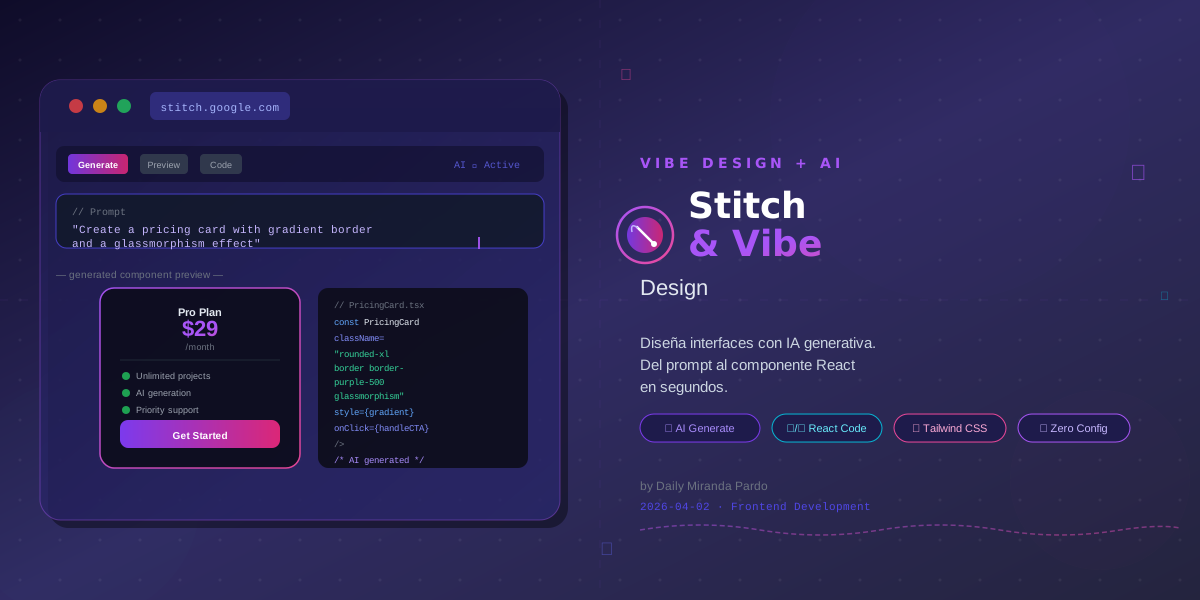
Stitch & Vibe Design: Build UI with AI in 2026
Design No Longer Starts in Figma
Three years ago, the workflow was predictable: designer in Figma, developer in VS Code, one week of back-and-forth until the button matched the mockup exactly. Today that workflow is broken — not because it failed, but because AI has made it unnecessarily slow.
Vibe Design and tools like Google Stitch are fundamentally changing how interfaces are conceived. This isn't a productivity hack: it's a paradigm shift comparable to going from writing raw CSS to using Tailwind, but multiplied by ten.
What Is Vibe Design
The term derives from vibe coding, coined by Andrej Karpathy in 2025 to describe writing software by describing what you want in natural language and letting AI generate the code. Vibe Design carries that idea into UI design:
You describe the screen you need. AI generates it. You refine, iterate, and ship.
It's not just autocompleting styles. It's generating complete visual components — with hierarchy, colors, typography, and interactive states — from a sentence like "a dark-themed product card for e-commerce with a strikethrough price, discount badge, and add-to-cart button."
The result is a functional prototype, not a PNG. Real code you can take directly to production or adjust in your editor of choice.
Why It Matters Now
Three forces converge in 2026 to make Vibe Design viable:
- Multimodal models capable of understanding layout, visual hierarchy, and design systems
- Extended context (128K+ tokens) that allows passing your full design system as reference
- Native tooling like Google Stitch that closes the gap between description and production-ready code
Google Stitch: From Description to Component
Google Stitch is Google's bid to lead this space. Announced at Google I/O 2025, Stitch is a UI generator that converts text prompts and reference images directly into React + Tailwind code, also exportable as Figma specs.
How It Works in Practice
The Stitch workflow is surprisingly straightforward:
- Describe the screen: "A SaaS metrics dashboard with a line chart, KPI cards, and a recent-users table. Corporate blue palette, light mode."
- Upload visual references (optional): screenshots of your current app, a moodboard, your logo
- Stitch generates the layout: semantic HTML structure, Tailwind classes, separate React components
- Iterate with prompts: "Make the sidebar more compact", "Add an empty state to the table"
The result isn't a flat design: it's functional code with state variants (hover, disabled, loading) that you can paste into your Next.js project in minutes.
// Example Stitch output
export function KPICard({ title, value, trend, delta }: KPICardProps) {
  return (
    <div className="rounded-2xl bg-white p-6 shadow-sm border border-gray-100">
      <p className="text-sm text-gray-500 font-medium">{title}</p>
      <p className="text-3xl font-bold text-gray-900 mt-1">{value}</p>
      <div className={`flex items-center gap-1 mt-2 text-sm font-medium ${
        trend === 'up' ? 'text-emerald-600' : 'text-red-500'
      }`}>
        <TrendIcon direction={trend} />
        <span>{delta}</span>
      </div>
    </div>
  );
}
Stitch vs Other Tools
| Tool | Input | Output | Strength |
|---|---|---|---|
| Google Stitch | Text + image | React + Tailwind | Production-ready code |
| v0 (Vercel) | Text | React + shadcn/ui | Vercel ecosystem integration |
| Galileo AI | Text | Figma | Designers without code |
| Framer AI | Text | Animated HTML | Marketing sites |
The advantage of Stitch for development teams is clear: the output targets reusable React components, not throwaway prototypes.
How to Integrate It Into Your Dev Workflow
Vibe Design doesn't replace your stack — it accelerates it. Here's how we incorporate it in real Next.js projects:
1. Kicking Off New Sections
When a new requirement arrives ("we need a 3-step onboarding screen"), instead of starting from scratch in Figma we run Stitch with the requirement prompt and our design system as context. In 10 minutes we have a structural base to build on.
2. Prototyping Revisions
When a client asks for "something more visual" but can't quite say what, we generate 3 variants with Stitch, show them on the next call, and make a decision. Feedback time drops from days to hours.
3. Generating UI States
Designing the empty state, the error state, and the skeleton loader for a component is tedious but mandatory. With Vibe Design, describe the base component and ask for all states in the same prompt. The result covers 80% of the work.
What AI Still Can't Do
Vibe Design has real limits worth knowing:
- It doesn't know your business logic: it generates generic UI that needs adaptation
- Basic accessibility: ARIA attributes and contrast ratios still need manual review
- Design system consistency: if your system has very specific tokens, you need to include them explicitly in context
- Complex animations: Stitch generates static states; transitions remain manual work
The rule we follow: AI builds the skeleton, the team adds the muscle.
Conclusion
Vibe Design isn't the end of design — it's the end of slow design. Tools like Google Stitch compress the time from idea to functional component from days to minutes, freeing developers and designers to focus on what truly matters: user experience and business logic.
If you work with React or Next.js and want to start integrating this workflow into your team without sacrificing coherence or code quality, tell us about your project and let's figure it out together: