Your AI Agent Is Stuck in a Loop. It Doesn't Know. Neither Do You.
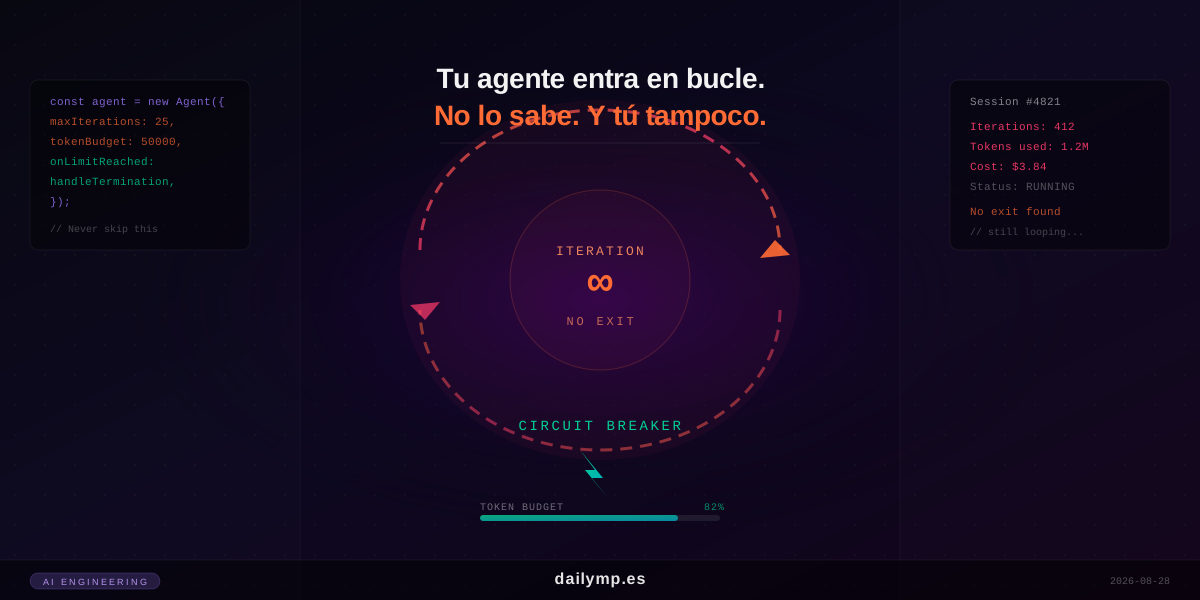
The agent had been running for forty minutes when someone noticed. Four hundred and sixteen iterations. 1.2 million tokens. A session that cost nearly four dollars — and it didn't stop because it solved the problem. It stopped because someone shut down the server.
This happened to a team that had thoroughly tested their agent. Tests passed. The happy path worked. What they hadn't tested was what happens when the agent can't make progress.
The ReAct Pattern and Its Structural Flaw
Most autonomous agents follow some variant of the ReAct pattern (Reason + Act): the model reasons, decides which tool to call, executes it, observes the result, and reasons again. It's elegant, works great in demos, and has one structural problem: there's no natural exit condition.
The loop terminates when the model decides it's done — returning a final response instead of calling another tool. But models don't always do that. If the model is stuck, if a tool returns an error the model doesn't know how to handle, or if the conversation state doesn't give it clear signals to stop, it keeps executing indefinitely.
And while it executes, it consumes tokens. Tokens cost money.
Three Symptoms of an Agent Stuck in a Loop
In production, a stuck agent usually shows one of these patterns:
1. It calls the same tool with the same parameters repeatedly. The model gets the same error each time, doesn't know how to escape, and retries the same call hoping for a different result. The agent isn't being stupid: it's doing what its training patterns tell it to do when something fails.
2. It alternates between two tools without making progress. It calls tool A, which says it needs some information. It calls tool B to get it. Tool B says it needs the result from A. The agent is in a deadlock it doesn't recognize as a deadlock.
3. It generates correct reasoning but never calls the final tool. The model reasons, elaborates, refines the question several times... but never takes the last step. This happens when the system prompt is ambiguous about what counts as task completion.
In all three cases, without a termination mechanism, the agent keeps running. You find out when you see the API bill.
How to Implement Proper Termination
The solution isn't trusting the model to decide when to stop. It's imposing external limits the agent cannot bypass.
1. Iteration Counter with Hard Limit
The iteration limit is the most basic control and the most frequently omitted:
interface AgentConfig {
  maxIterations: number;
  tokenBudget: number;
  onLimitReached: (reason: 'iterations' | 'tokens') => AgentResponse;
}

async function runAgent(
  prompt: string,
  tools: Tool[],
  config: AgentConfig
): Promise<AgentResponse> {
  let iterations = 0;
  let totalTokens = 0;
  const messages: Message[] = [{ role: 'user', content: prompt }];

  while (true) {
    if (iterations >= config.maxIterations) {
      return config.onLimitReached('iterations');
    }

    const response = await callLLM(messages, tools);
    totalTokens += response.usage.total_tokens;

    if (totalTokens >= config.tokenBudget) {
      return config.onLimitReached('tokens');
    }

    if (response.stop_reason === 'end_turn') {
      return { success: true, content: response.content };
    }

    iterations++;
    messages.push(...processToolCalls(response));
  }
}
The onLimitReached callback matters: it decides what to respond when a limit is hit. In most cases, the right answer isn't a generic error. It's returning whatever the agent accomplished so far with a message explaining it couldn't complete the task.
2. Progress Detection for Stagnation
The iteration counter prevents infinite loops but doesn't tell you if the agent is making progress. For that, you need to compare state between iterations:
interface AgentState {
  lastToolCalled: string | null;
  lastToolArgs: string | null;
  consecutiveRepeats: number;
}

function detectStagnation(
  currentTool: string,
  currentArgs: string,
  state: AgentState
): boolean {
  const sameCall =
    currentTool === state.lastToolCalled &&
    currentArgs === state.lastToolArgs;

  if (sameCall) {
    state.consecutiveRepeats++;
  } else {
    state.consecutiveRepeats = 0;
  }

  return state.consecutiveRepeats >= 3;
}
If the agent calls the same tool with the same arguments three times in a row, that's a clear stagnation signal. You can interrupt it, inject a system message with additional guidance, or escalate to a human — depending on your use case.
3. Token Budget with Early Warning
The hard token limit prevents extreme costs, but it's worth adding a warning when the agent exceeds 70-80% of the budget:
const TOKEN_BUDGET = 50_000;
const ALERT_THRESHOLD = 0.7;

if (totalTokens > TOKEN_BUDGET * ALERT_THRESHOLD) {
  messages.push({
    role: 'user',
    content: 'Wrap up your current task with what you have. Provide a partial result if needed.'
  });
}
This "soft close" message often gets the agent to terminate cleanly rather than cutting off abruptly at the limit.
How to Monitor This in Production
Proper termination in code isn't enough without visibility into when those limits are triggered. In any AI integration project we build, we add:
- Alerts for high-duration sessions (more than N iterations or more than X seconds)
- Token consumption metrics per session — a session that's 5x the average is suspicious
- Structured logging of stop reasons — distinguishing
end_turnfrommax_iterationsfromstagnationtells you exactly what kind of problem you have
Without these logs, when something goes wrong in production you're reconstructing events from timestamps. With them, you have the complete history.
What That Team Got Wrong
Back to the opening example: the team had a 60-second network timeout on HTTP calls. But they had no limit on the number of agent iterations. Each iteration made its HTTP call within the timeout, so the network timeout never fired. The agent could iterate indefinitely as long as each individual tool call took less than a minute.
The problem wasn't in the tool code. It was the absence of a loop-level limit in the agent.
This is exactly the kind of architecture issue we review when working with engineering teams on autonomous agent systems: not the happy paths, but the edge cases that only surface in real production traffic.
Conclusion
Autonomous agents without proper termination aren't a theoretical risk. They're a real operational cost and a failure mode that surfaces exactly when you have the most users — which is when it's most expensive.
Termination controls aren't added complexity. They're the difference between a prototype and a system you can ship to production with confidence.
Have an agent in production and not sure whether it has these controls in place? Tell me how it's designed and we'll review it together.